DoneJar

Turn Completed Tasks Into Satisfaction

Make task tracking enjoyable. Watch your accomplishments fill up a virtual jar as you complete your to-dos.
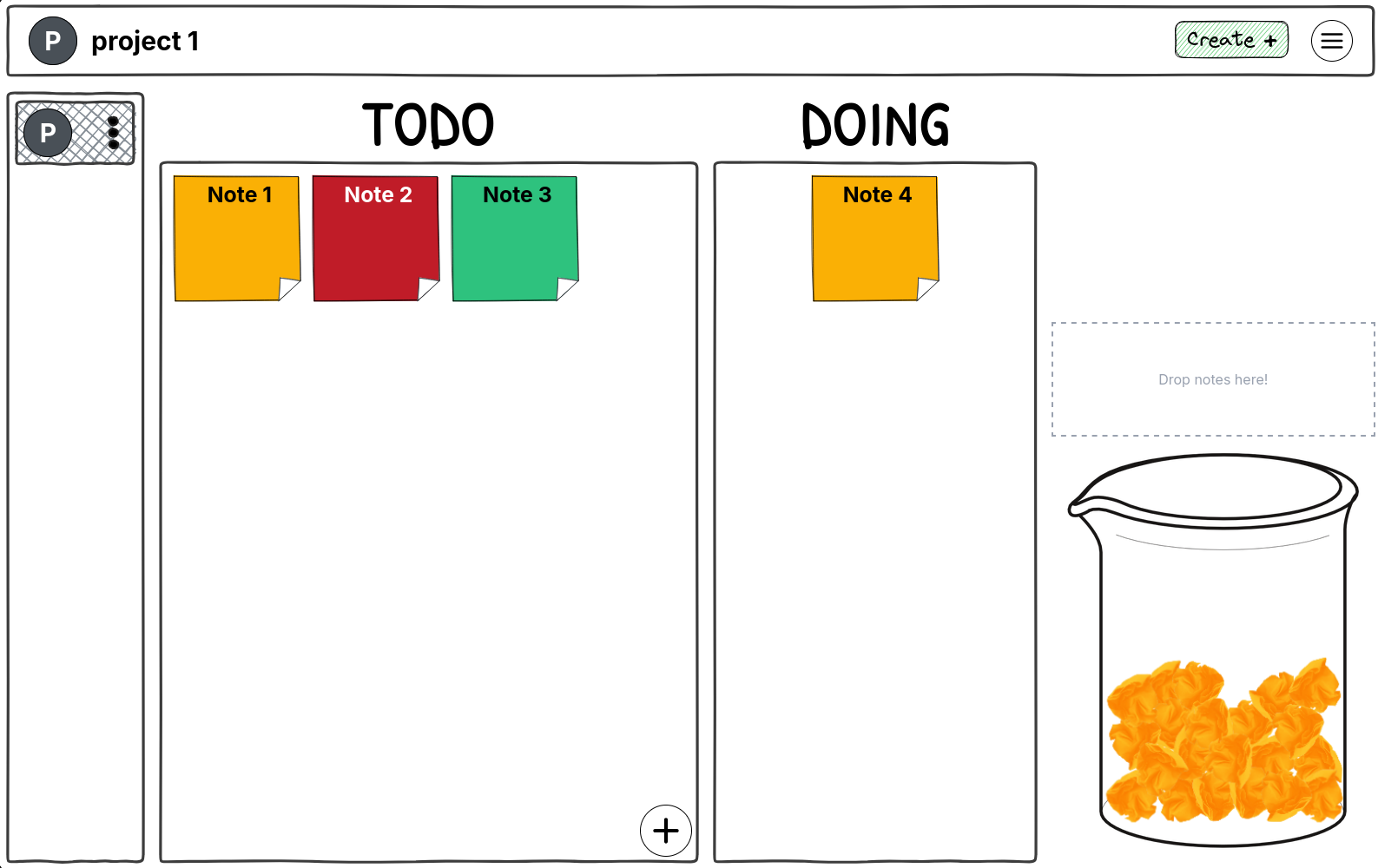
Screenshot of DoneJar app showing a kanban board with TODO, DOING, and DONE columns. The DONE column has a jar filled with colorful sticky notes representing completed tasks, creating a visual satisfaction jar.

How It Works

1
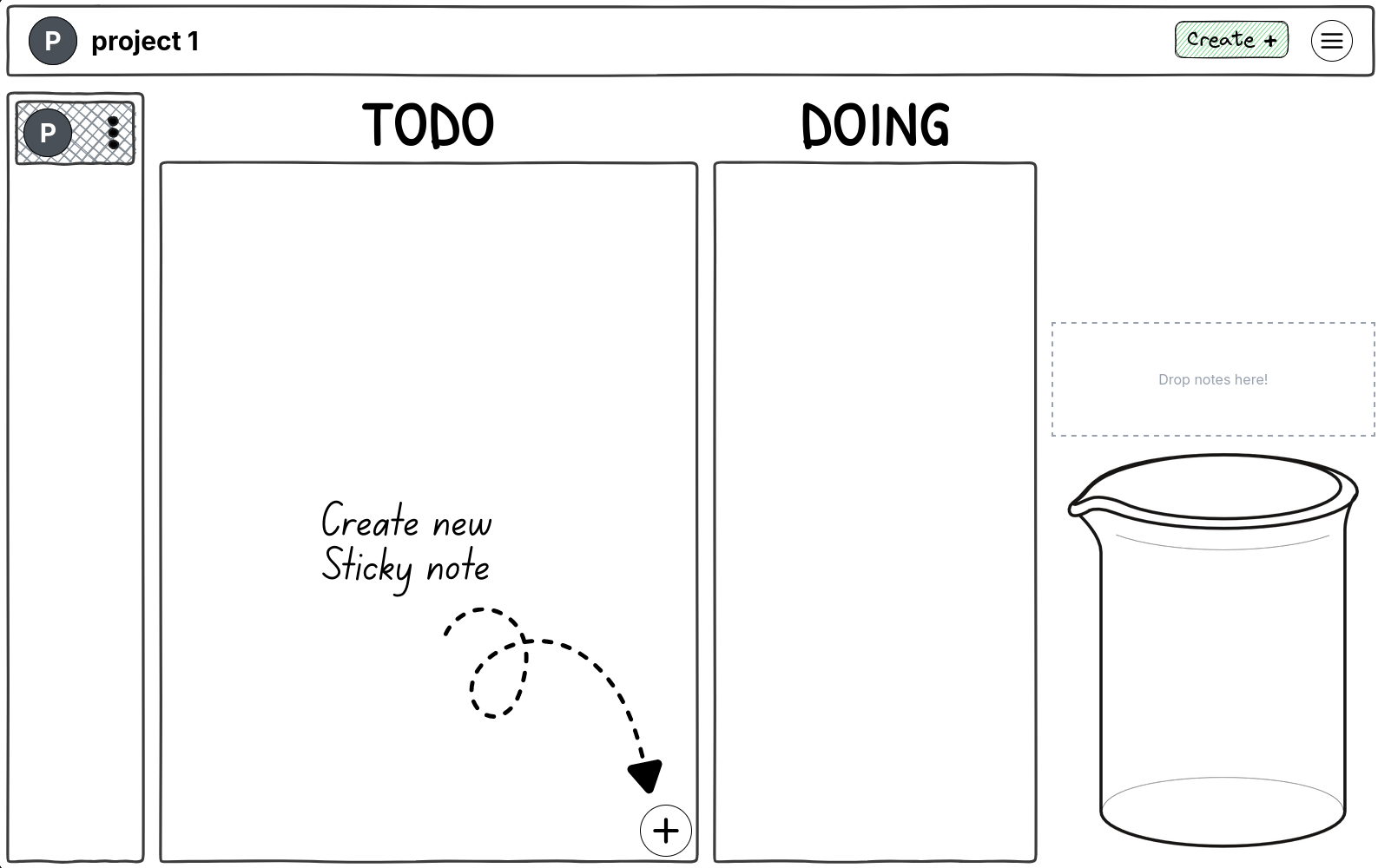
Screenshot showing a user creating a new sticky note task by clicking the plus button in the TODO column

Create Your Tasks

Add your to-dos as colorful sticky notes in your TODO column

2
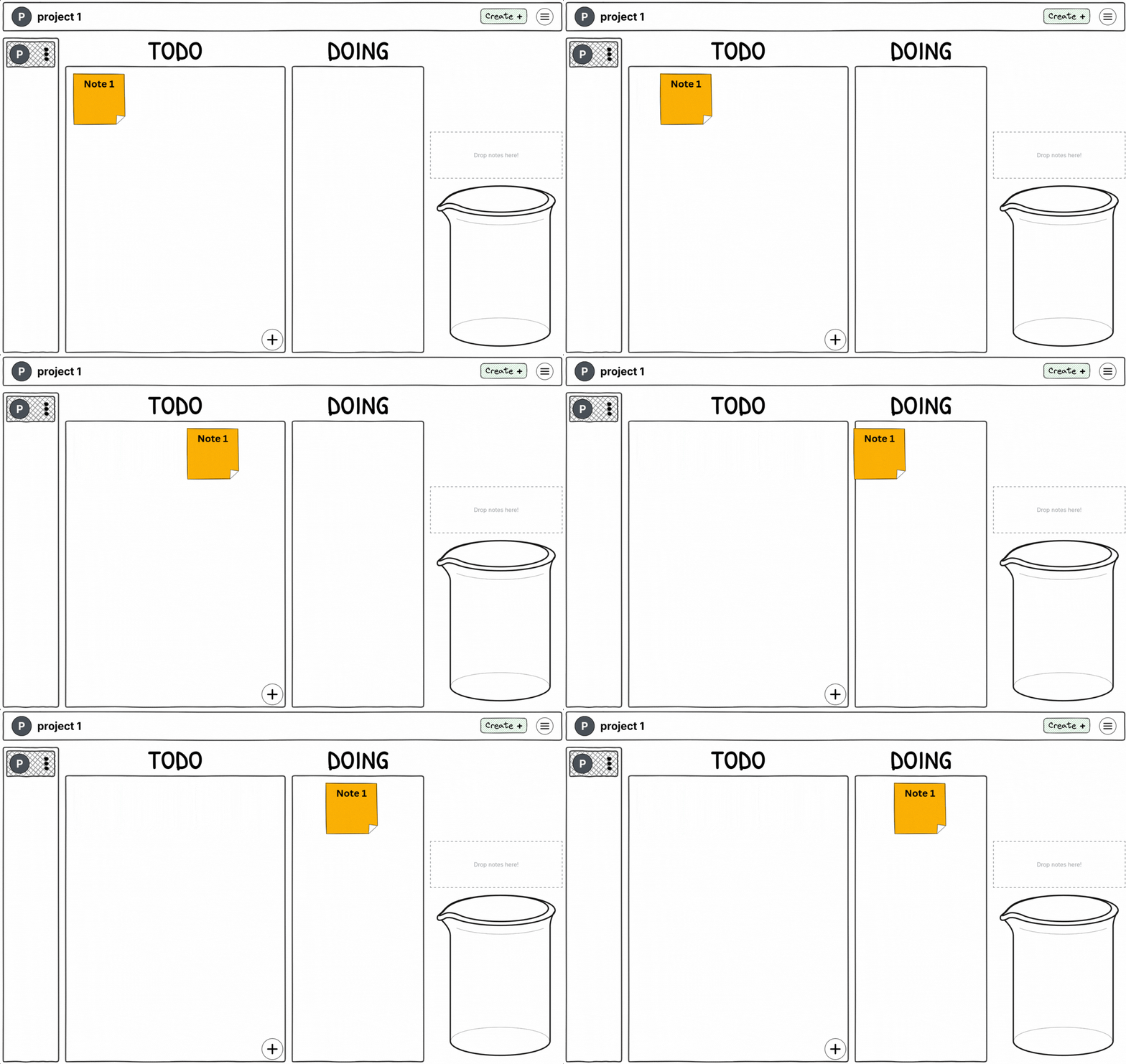
Screenshot showing a sticky note being dragged from TODO to DOING column with a smooth animation

Drag & Drop

Move tasks through TODO, DOING, and DONE with simple drag and drop

3
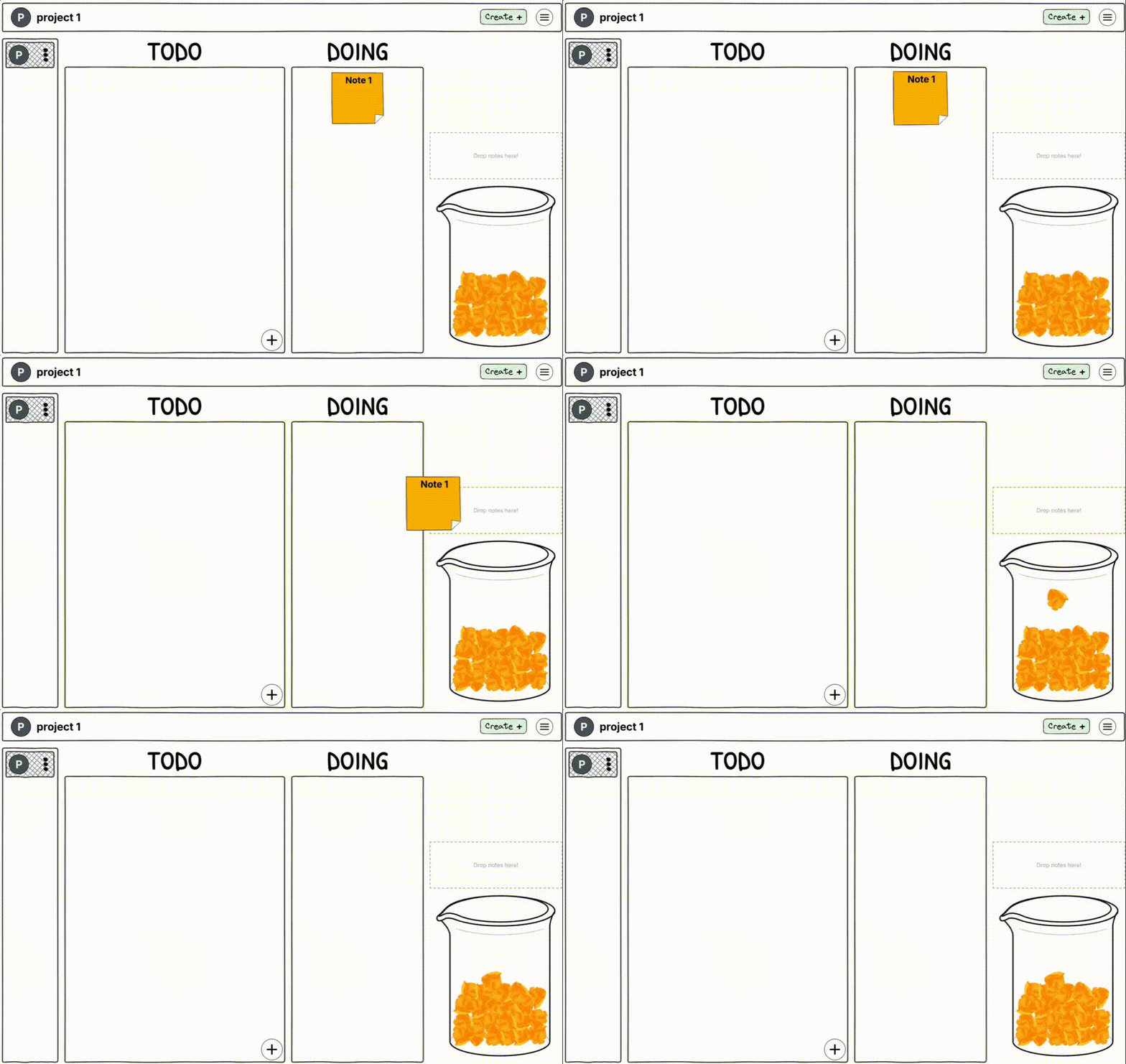
Screenshot of a jar filling up with colorful crumpled paper notes as tasks are completed, showing visual progress and satisfaction

Watch Your Jar Fill

See your accomplishments pile up in a satisfying jar visualization

Why You'll Love It
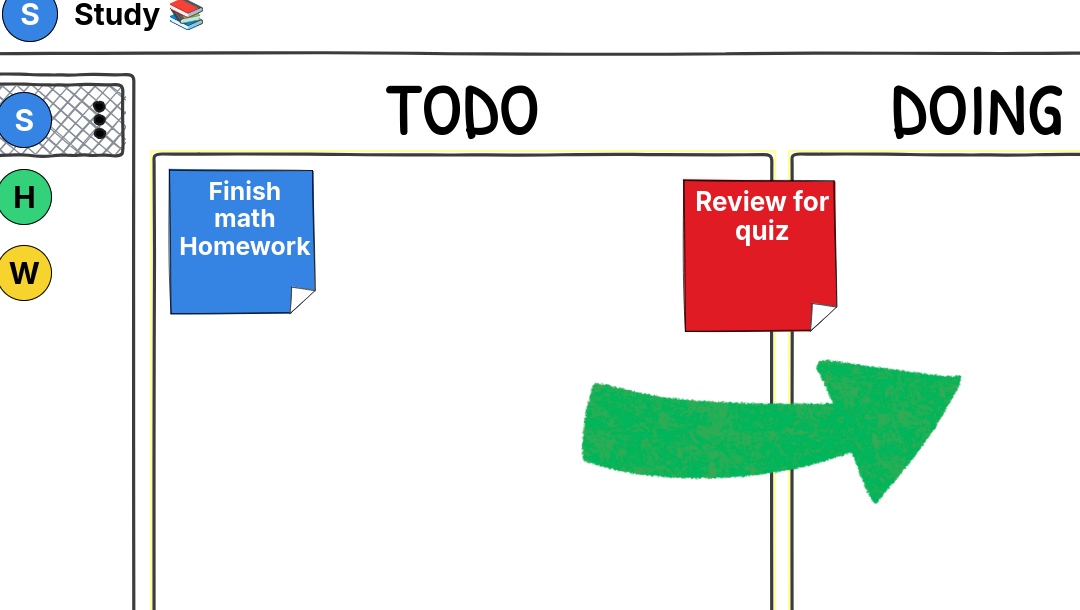
Illustration of sticky notes being dragged between columns with smooth animations and intuitive gestures

Intuitive Drag & Drop

Managing tasks feels natural and fun. No complicated menus or settings—just drag and drop.
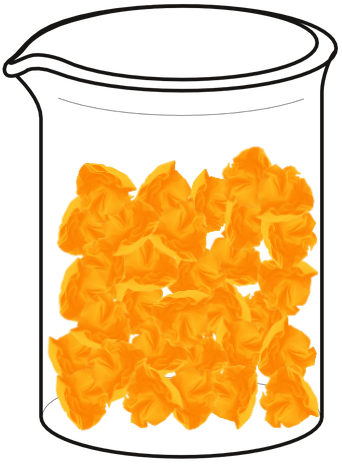
Close-up of the jar physics simulation showing colorful crumpled notes falling and stacking with realistic physics

Visual Satisfaction

Watch your completed tasks accumulate in a jar with delightful physics. Feel the progress!
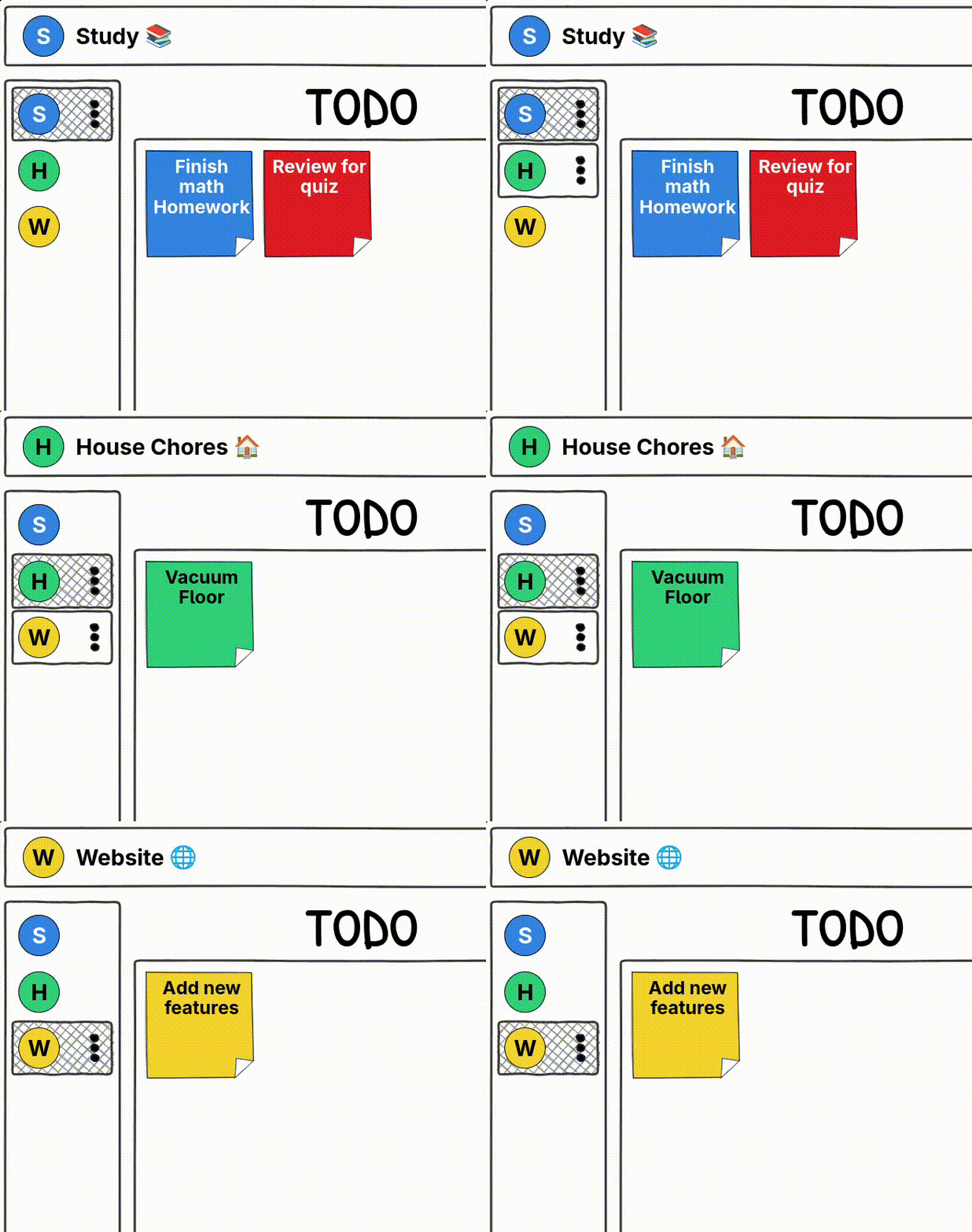
Screenshot showing multiple project tabs with different colors, demonstrating organized project management

Multiple Projects

Organize work, personal life, and side projects separately. Keep everything in one place.

Ready to Make Task Tracking Fun?

Start filling your jar today. It's free to get started.

© 2026 DoneJar

GitHub